Published · Updated
May added two practical Core APIs and made the CLI a more capable companion for building, checking, and migrating Elements projects. It also strengthened the guardrails around deprecated patterns and patched behavior in controls and Monaco-based editors.
Highlights
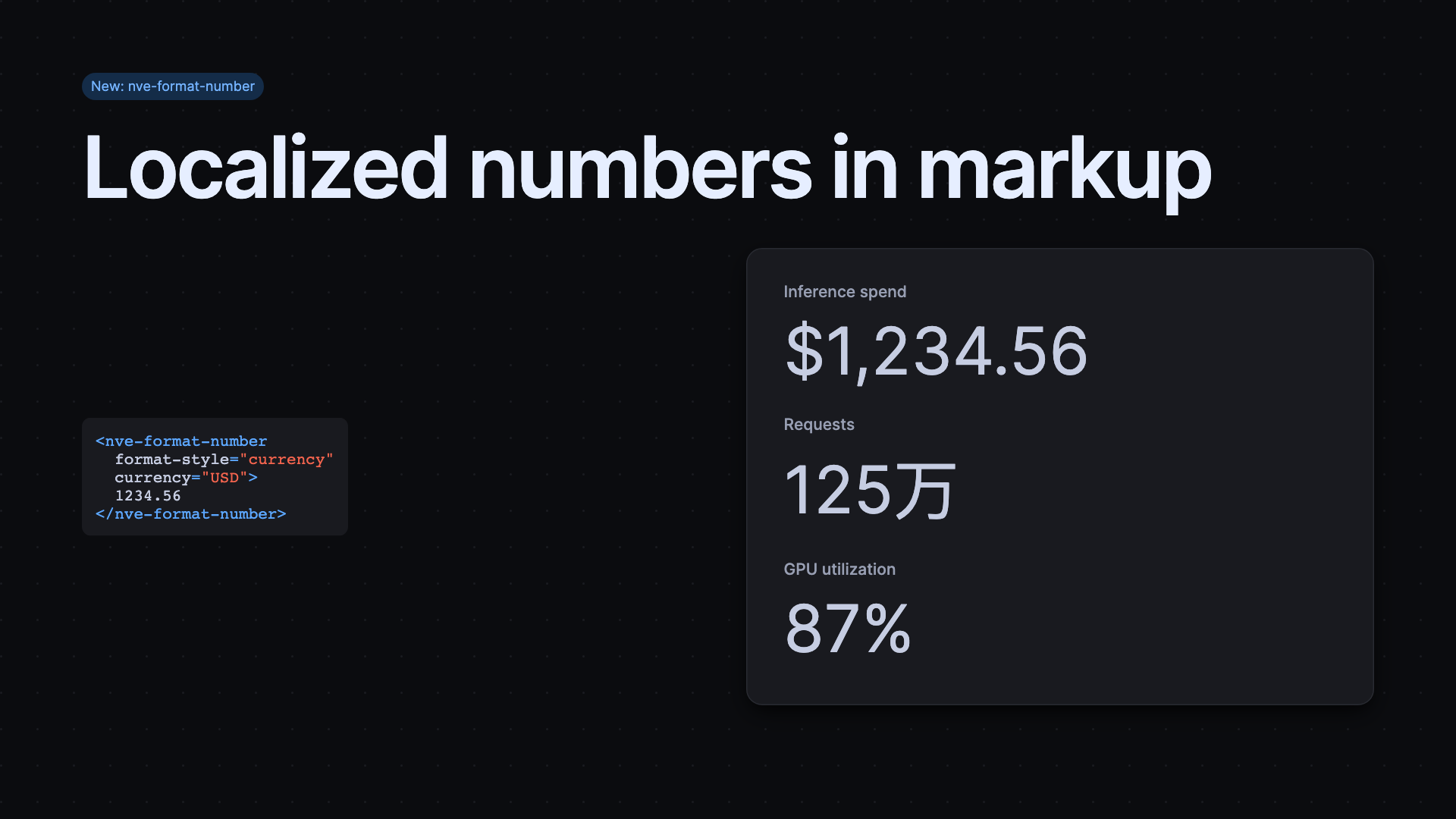
Format values where they appear
The new Format Number component brings locale-aware Intl.NumberFormat output into a declarative, server-renderable element. Use it for inline metrics, currency, percentages, units, compact notation, and controlled precision; its text content remains a useful fallback before JavaScript loads. When app data supplies the value, the number attribute can take precedence over that fallback content. This lets a template stay readable in server output while a client-side binding updates the metric.
Make multi-select lists work in tight spaces
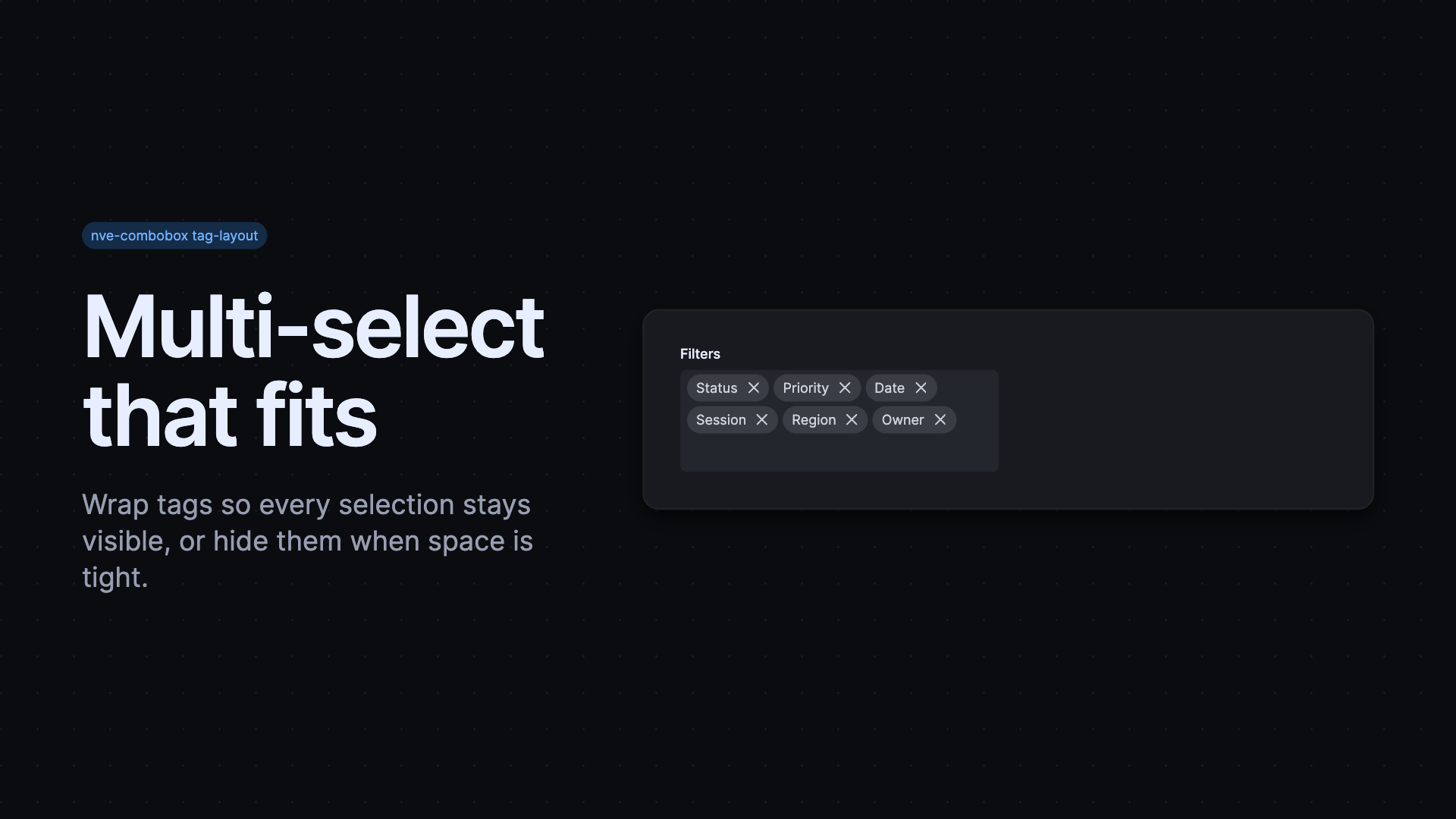
Combobox gained tag-layout for many selections. Set it to hidden when selected chips would obscure the input, or wrap when people need to see and interact with all their selections. Clicking wrapped tags returns focus to the input and opens the list, keeping the selection task continuous. This replaces the deprecated notags attribute and makes overflow behavior predictable across dense forms.
Bring Elements guidance into agent workflows
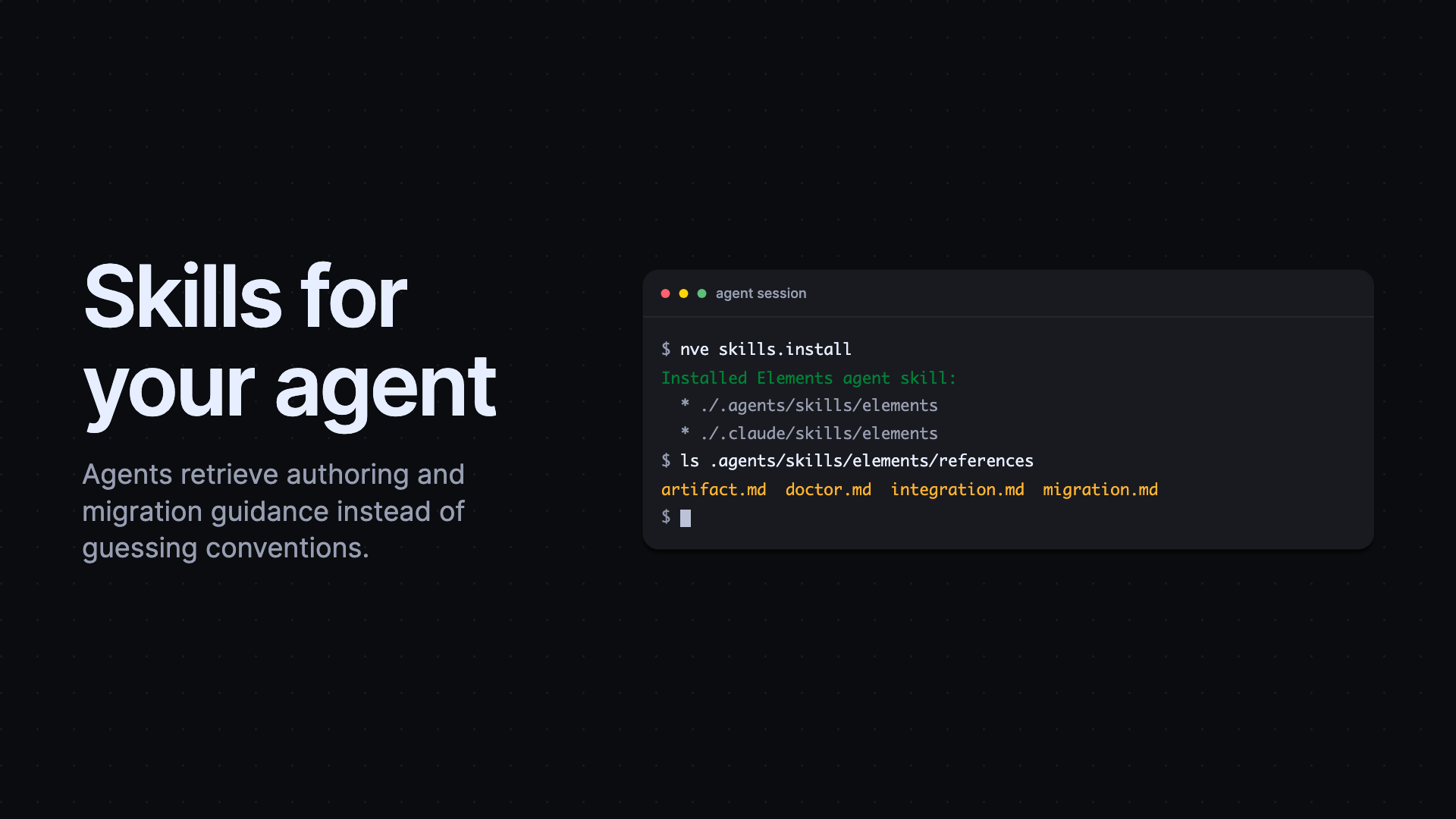
The CLI added bundled authoring and migration Skills and support for interactive MCP Apps, including icon, token, and example previews. This puts the same project guidance beside API search and validation, so an agent can retrieve the instructions for a task instead of guessing the repository conventions. It also detects more than one installed version and gives clearer errors for command arguments and binary locations. Current CLI releases bundle this guidance, including migration, into one Elements skill. Install it in your project:
Upgrade with stronger guardrails
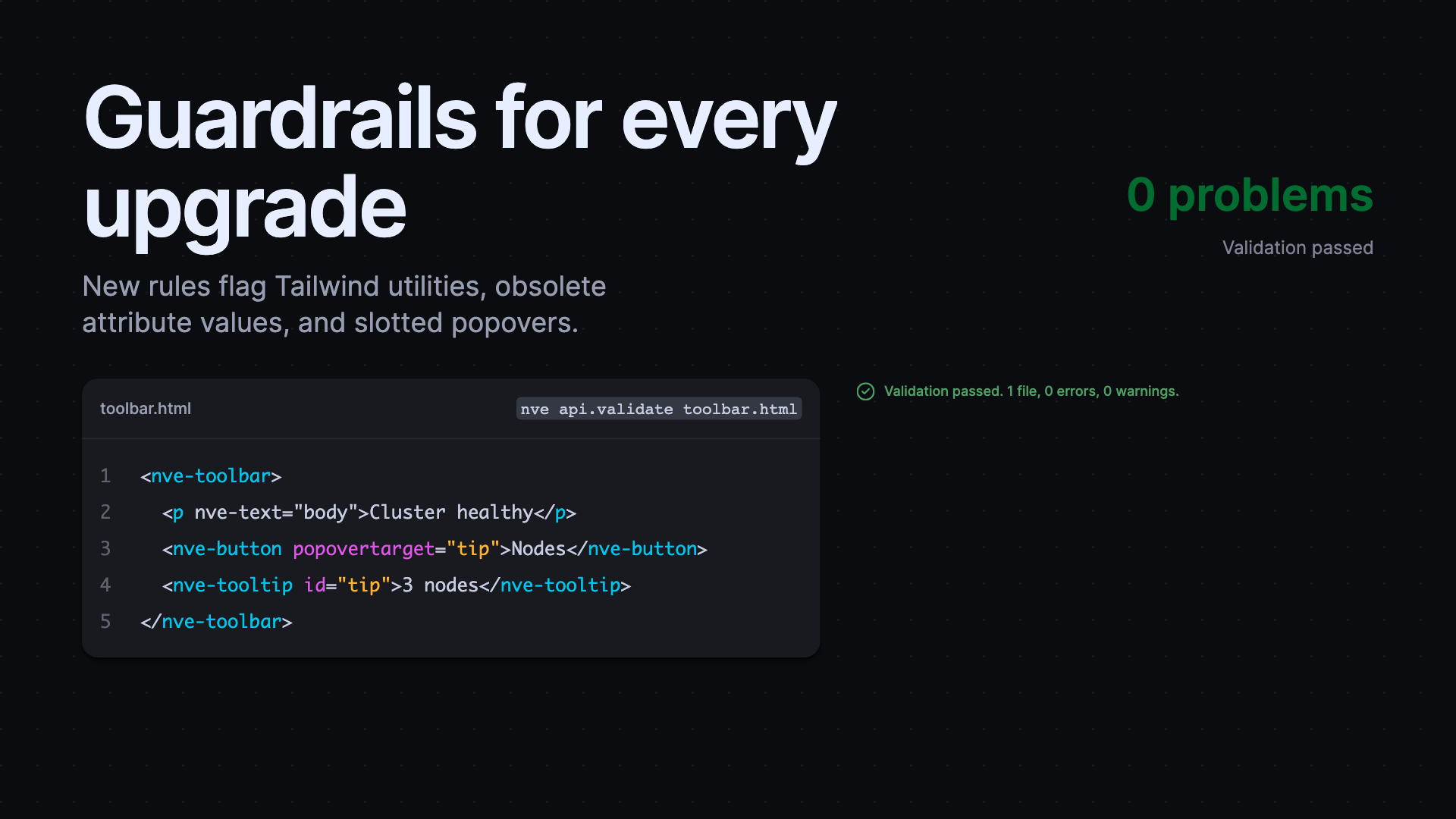
New lint rules identify deprecated CSS imports and packages, unsupported Tailwind utilities, problematic popover composition, and obsolete global attribute values.
Core improved button contrast and read-only state behavior, and delayed popovers clean up correctly. Monaco fixes restored reliable paste actions and validation timing, helping editors stay responsive during everyday authoring.
Released packages
@nvidia-elements/cli0.0.10–0.0.12, 0.1.0, 0.2.0–0.2.3@nvidia-elements/code0.0.8–0.0.9@nvidia-elements/core0.0.12, 0.1.0–0.1.4, 0.2.0–0.2.1@nvidia-elements/create0.0.8@nvidia-elements/forms0.0.8@nvidia-elements/lint0.2.1, 0.3.0–0.3.1@nvidia-elements/markdown0.0.8–0.0.9@nvidia-elements/monaco0.0.8–0.0.11@nvidia-elements/styles0.0.8–0.0.9@nvidia-elements/themes0.0.10–0.0.11