Published · Updated
July makes dense telemetry interfaces easier to build and gives teams stronger guidance, tooling, and component behavior across the stack. Gauge is the headline addition, supported by new lint rules, better editor metadata, typography improvements, and a more dependable installer.
Show telemetry with Gauge
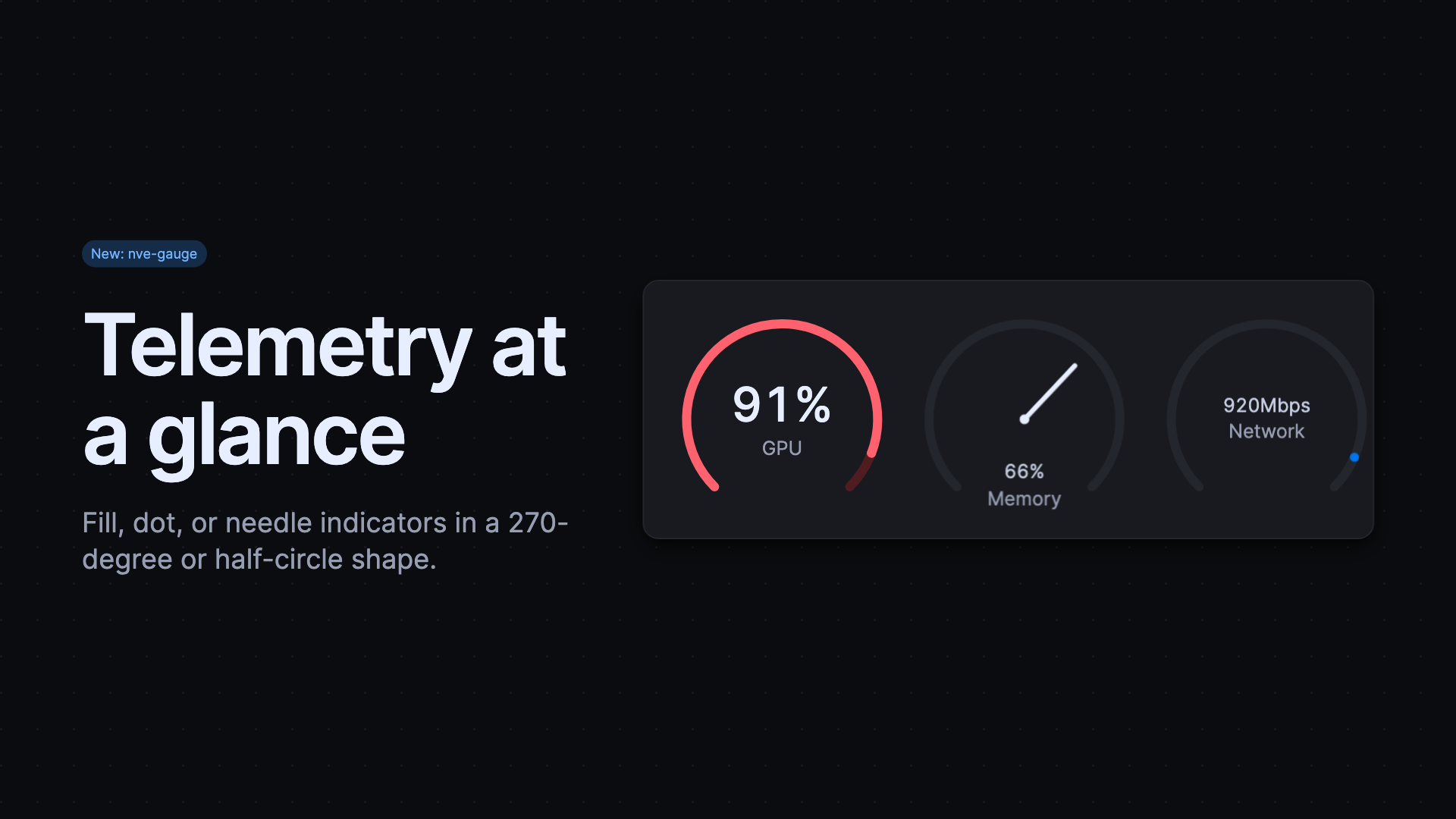
The new Gauge component displays accessible progress values in a 270-degree or compact half-circle shape. Choose fill, dot, or needle indicators; apply semantic statuses, sizes, a custom maximum, or a gradient for scaled values. Use Gauge for resource utilization, readiness, and throughput where a precise value benefits from a quick visual read. Provide visible content and an accessible value that matches the measurement rather than treating the gauge as decoration.
Catch design problems during linting
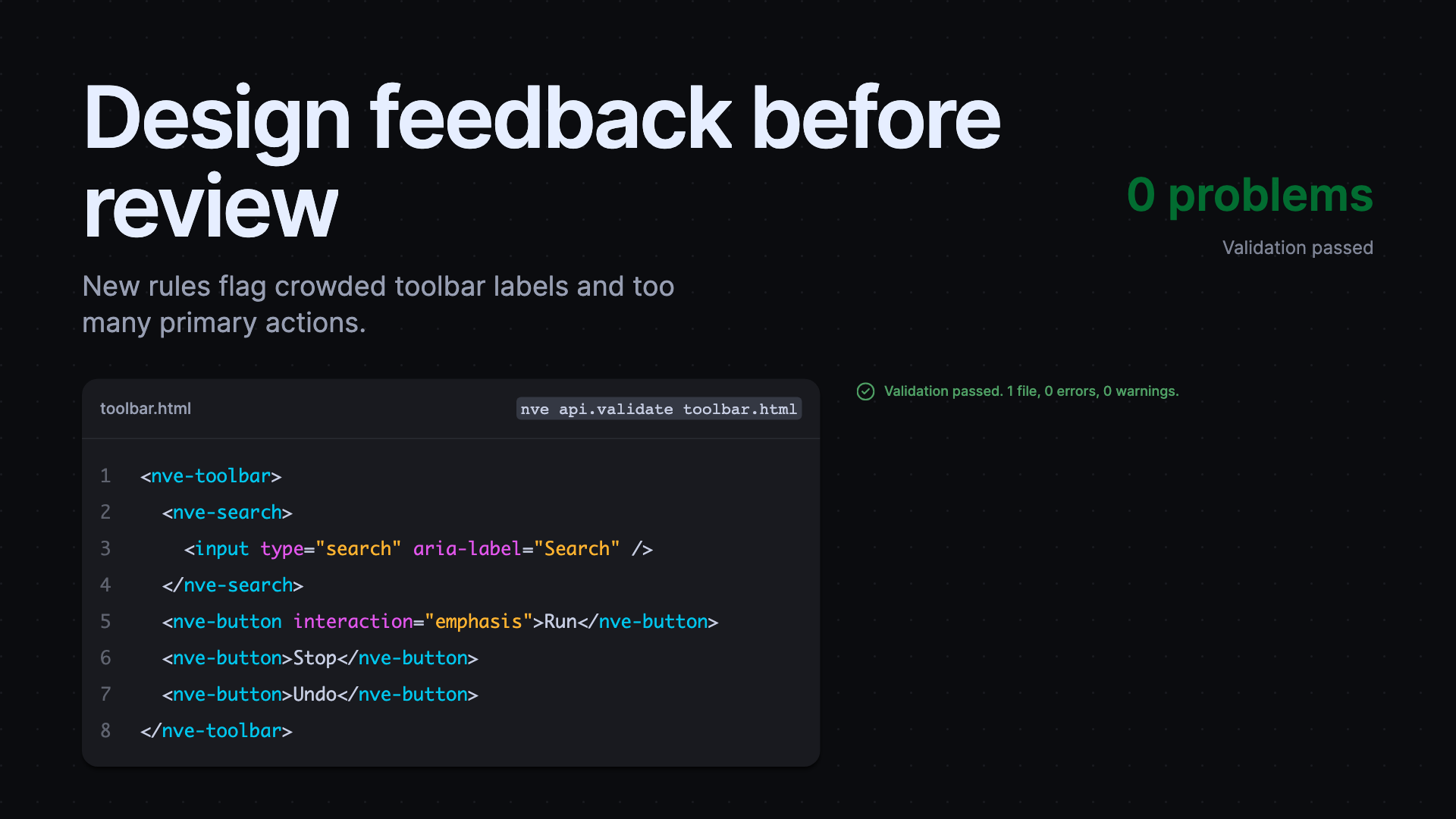
Elements lint now flags excessive primary actions, labels that crowd controls inside toolbars and page headers, and container="full" outside supported page-level positions. These rules encode layout and action hierarchy choices that otherwise tend to surface late in design review. The release also improves support for framework event bindings, popover data bindings, and optional gap values, so valid templates produce fewer false positives.
Improve metadata, typography, and layout
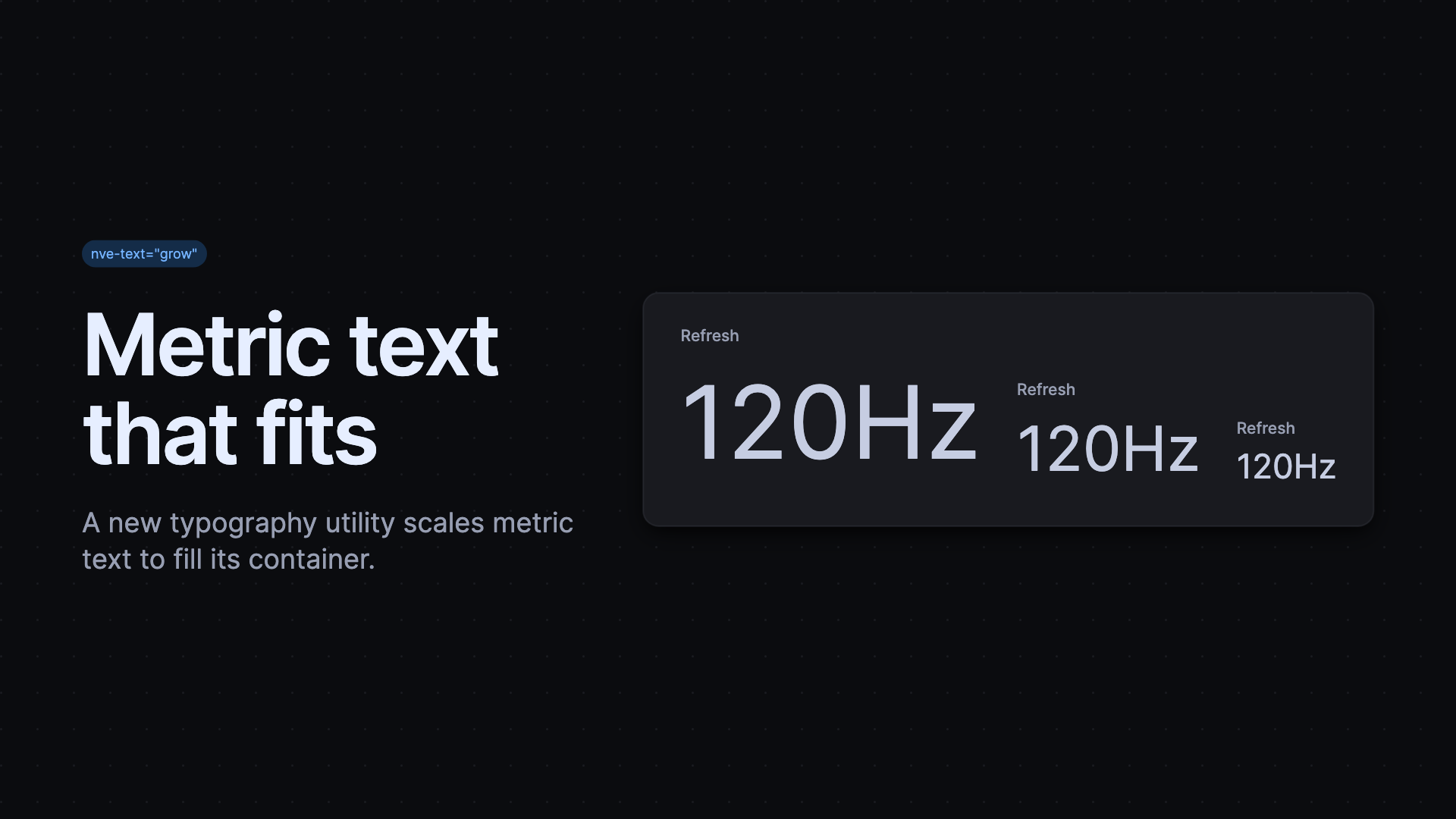
Published HTML custom data now links components directly to their documentation. Markdown exposes its custom-data entry point, while Core produces clearer properties, attributes, slots, JSX, and Vue declarations. Editors can use this information to provide more useful completion and documentation links when developers work with custom elements. Typography utilities gained nve-text="grow" for fitted metric text, default line heights, and refined inline code and links.
Styles also moved toward logical direction properties and corrected full-width space-between rows, making layouts more consistent across writing directions.
Install and interact with confidence
The CLI installer now handles more shell environments, manifests, upgrades, and failures consistently, and interactive prompts stay quiet in non-TTY sessions. This makes scripted installation predictable and reduces the chance that an automated build waits for a response it cannot supply. Components received equally practical refinements: tooltip-to-popover handoffs are clean, Forms clears stale ARIA values and preserves native defaults, drawers adhere to viewport edges, selects size to their visible rows, and reconnecting elements no longer duplicate observers.
Released packages
@nvidia-elements/cli2.1.4–2.1.9@nvidia-elements/code2.0.2@nvidia-elements/core2.0.3–2.0.4, 2.1.0–2.1.6, 2.2.0–2.2.2@nvidia-elements/forms2.0.2–2.0.5@nvidia-elements/lint2.1.0–2.1.3, 2.2.0, 2.3.0@nvidia-elements/markdown2.0.2–2.0.3@nvidia-elements/monaco2.0.2@nvidia-elements/styles2.1.0–2.1.2