Published · Updated
August standardizes the icon library, makes operational data and media controls easier to build, and improves how teams validate and deliver Elements applications. The result is a more consistent visual language and a practical toolkit for the high-density interfaces common in AI and ML operations.
Highlights
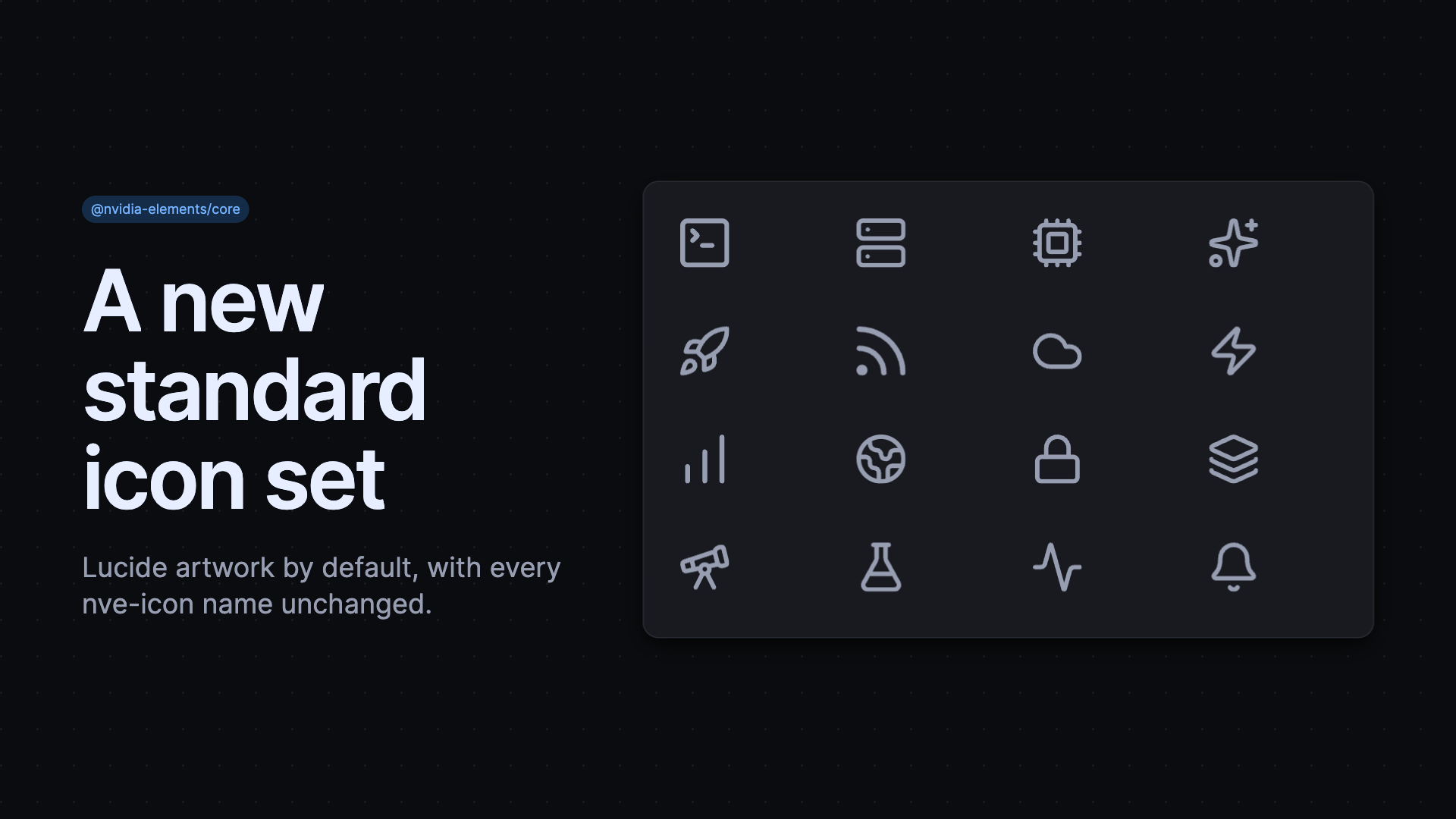
New Standard Icon Set
Core icons now use Lucide SVG artwork by default, giving product teams a maintained, consistent set while preserving existing nve-icon names and renderer behavior. The migration updates the visual artwork without requiring teams to rename icons.
Present Operational Data with Context
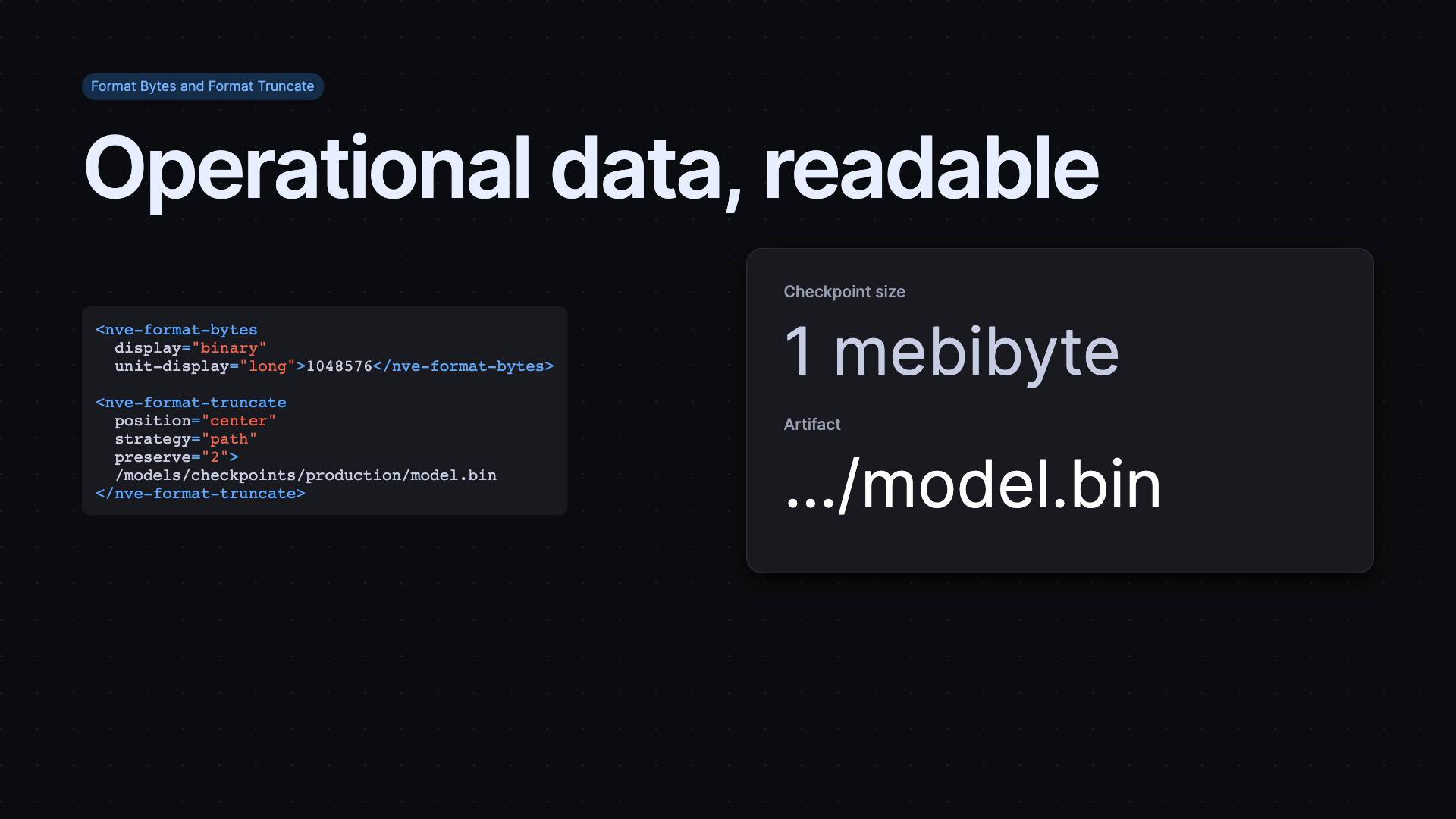
Format Bytes turns raw storage counts into localized decimal or binary units, so dashboards can show capacity and transfer values without repeating conversion logic. It accepts text content as a server-rendering fallback or a bound value. Format Truncate complements it by keeping the meaningful part of a long identifier, label, or path visible when available space is tight.
Build Complete Media Controls
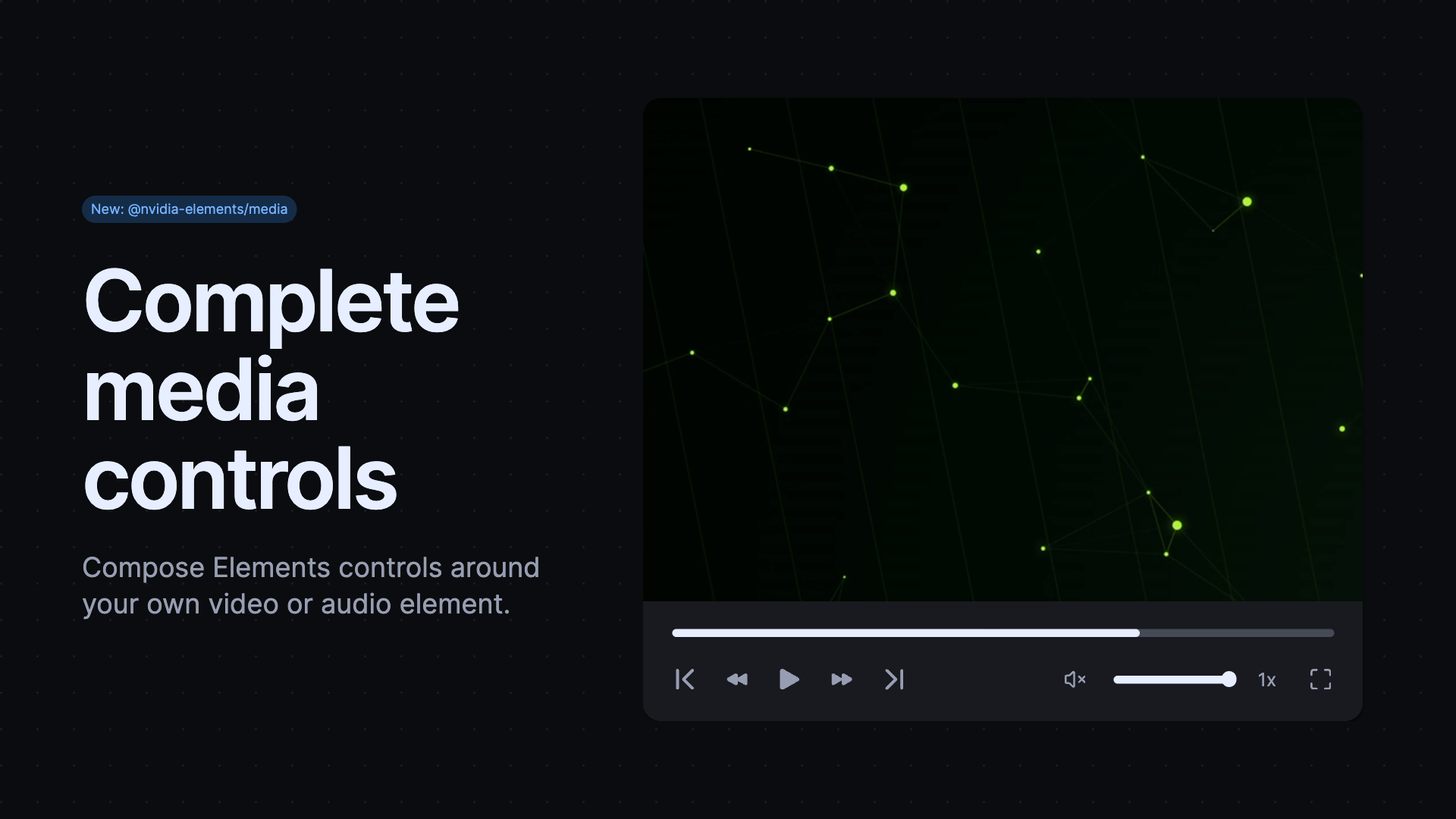
The new Media controller coordinates Elements controls around a consumer-owned video or audio element. Compose playback, mute, pause, seeking, full-screen, playback-rate, timeline, and volume controls without giving up native media sources, captions, or framework bindings. The controller also exposes an immutable media-state snapshot for applications that need to display playback information elsewhere.
Check Projects and Layouts Before Release
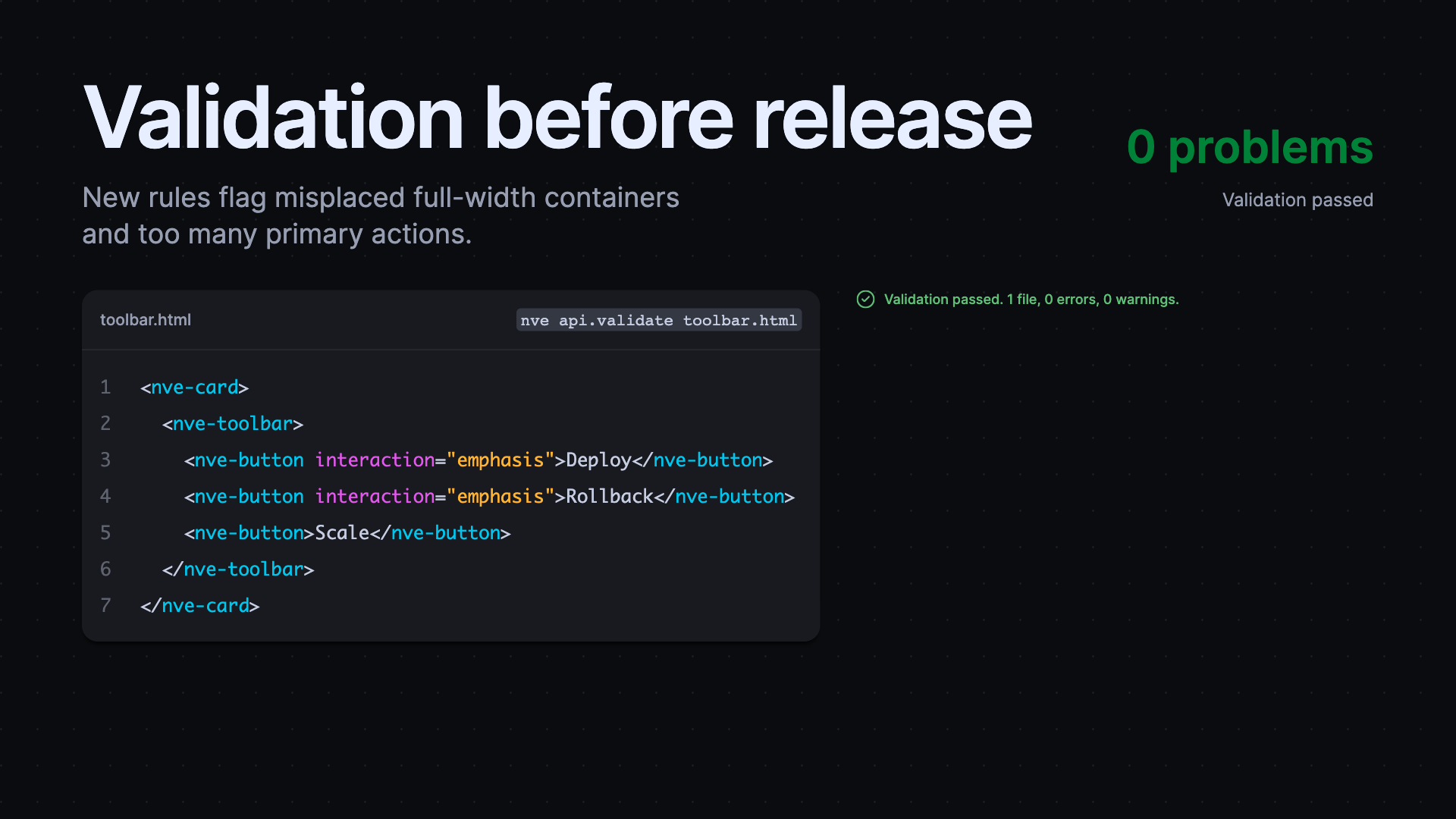
API validation now checks HTML and JSON files, paths, glob patterns, or standard input and returns structured diagnostics for automated workflows. It applies the recommended Elements rules, reports errors through a nonzero exit code, and can limit diagnostics or fix file inputs. Alongside the CLI, Elements lint rules now flag custom background gradients, display overrides on Elements components, excessive primary actions, and unsupported container="full" placement.
Use Native CSS and Less JavaScript
Typography now relies on native CSS text-box, removing the legacy Firefox fallback and reducing the style sheet payload size. Core form controls also use native field sizing for fit-text inputs and selects, so compact controls track their content more naturally without JavaScript. Focused package imports benefit too: tree-shaking improvements reduce Core JavaScript by about 22% and Code JavaScript by about 50% with no API changes for consumers.
Released packages
@nvidia-elements/cli2.1.10, 2.2.0–2.2.1@nvidia-elements/code2.0.3–2.0.4@nvidia-elements/core2.2.3, 2.3.0–2.3.2, 2.4.0–2.4.1, 2.5.0–2.5.3, 2.6.0@nvidia-elements/forms2.0.6@nvidia-elements/lint2.4.0@nvidia-elements/media1.0.0@nvidia-elements/styles2.1.3@nvidia-elements/themes2.0.1