Published · Updated
September adds a pan-and-zoom surface for spatial interfaces, more flexible navigation and labels, and native Elements tools for Pi agents, backed by linting that now reaches your Markdown docs.
Before you upgrade
- Icons default to outline artwork. Icons such as
bell,checkmark-circle,exclamation-circle,exclamation-triangle, andfilternow render outline artwork instead of filled artwork. Addappearance="solid"where you want the filled look. Former-strokenames such asbell-strokeremain as deprecated aliases, and theno-deprecated-icon-nameslint rule suggests replacements. - Agent setup changed in the CLI.
nve skills.installreplacesnve skills.listandnve skills.get, and the recommended MCP server name is nownvidia_elements. Rerunnve project.setupto migrate existing MCP configuration and tool permissions.
Highlights
Navigate Spatial Content with Viewport
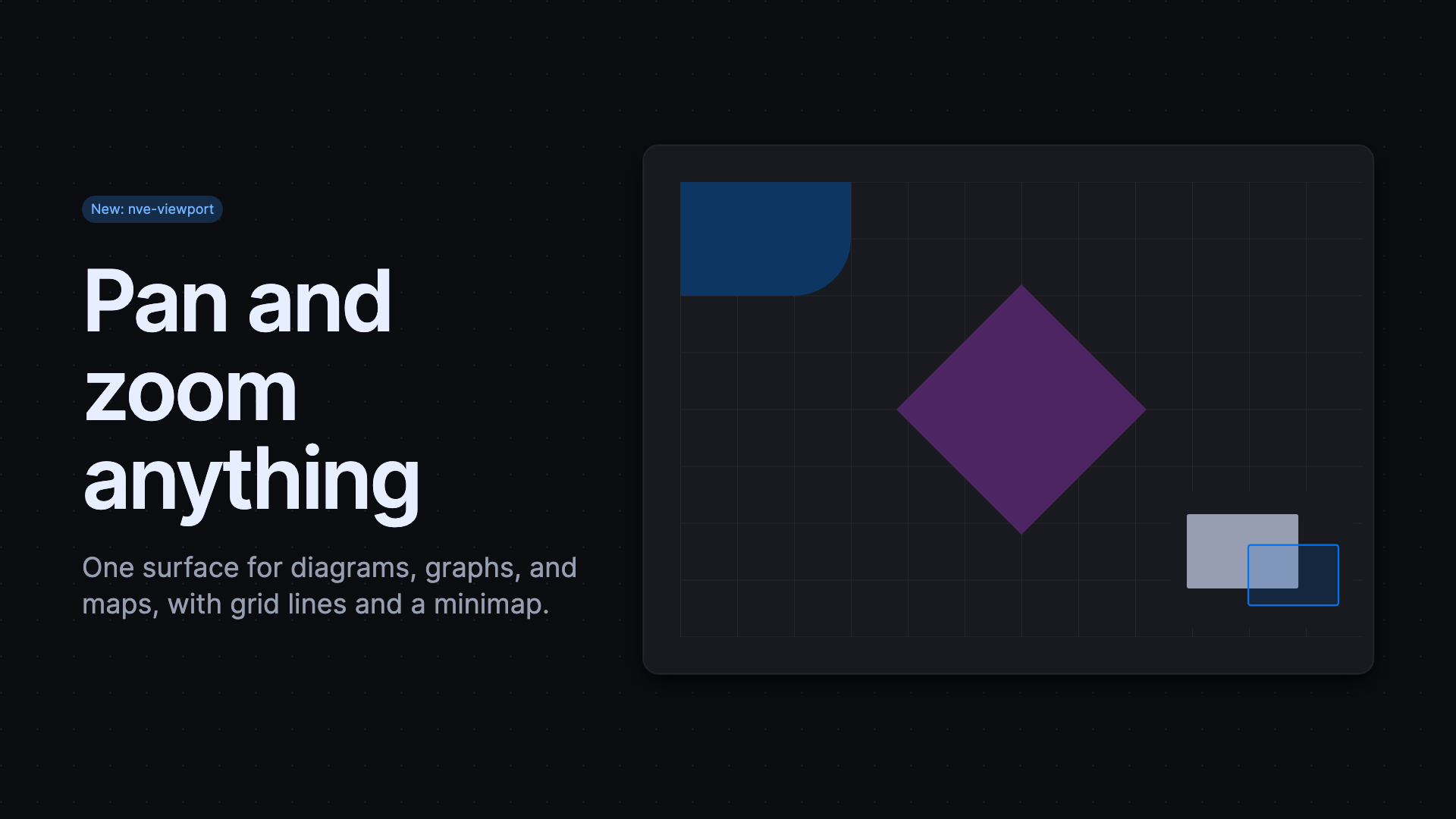
The new Viewport gives diagrams, graphs, topology maps, and other canvas-style content a shared pan-and-zoom surface. Enable pointer, wheel, keyboard, and pinch navigation with behavior-pan and behavior-zoom, or set behavior-pan="space" to require holding Space before dragging. The autofit attribute frames content after the first layout, while nve-viewport-gridlines and nve-viewport-minimap help people keep their place. Toolbar buttons can control the viewport through Invoker commands such as --zoom-in and --zoom-to-fit. Viewport is not yet marked stable, so expect API refinements.
Organize Navigation with Menu Groups
Menu now supports nve-menu-group, a collapsible header that shows or hides one nested menu, which suits sidebars with sections such as Overview and Data. Groups follow the ARIA disclosure pattern and support expanded, disabled, and open, close, and toggle commands. Menu items also gain a prefix slot for icons, and density="compact" on nve-menu shows only those icons for narrow navigation rails. Menu Group is not yet marked stable.
Use Elements Tools Natively in Pi
The new @nvidia-elements/pi package gives Pi agents direct access to Elements API documentation, examples, design tokens, icons, package details, and template validation without MCP configuration or a separate CLI process. It also provides an elements-pi skill and prompt commands for artifacts, setup checks, new projects, and migrations. After Pi edits an HTML file, the extension validates it and appends any diagnostics to the result.
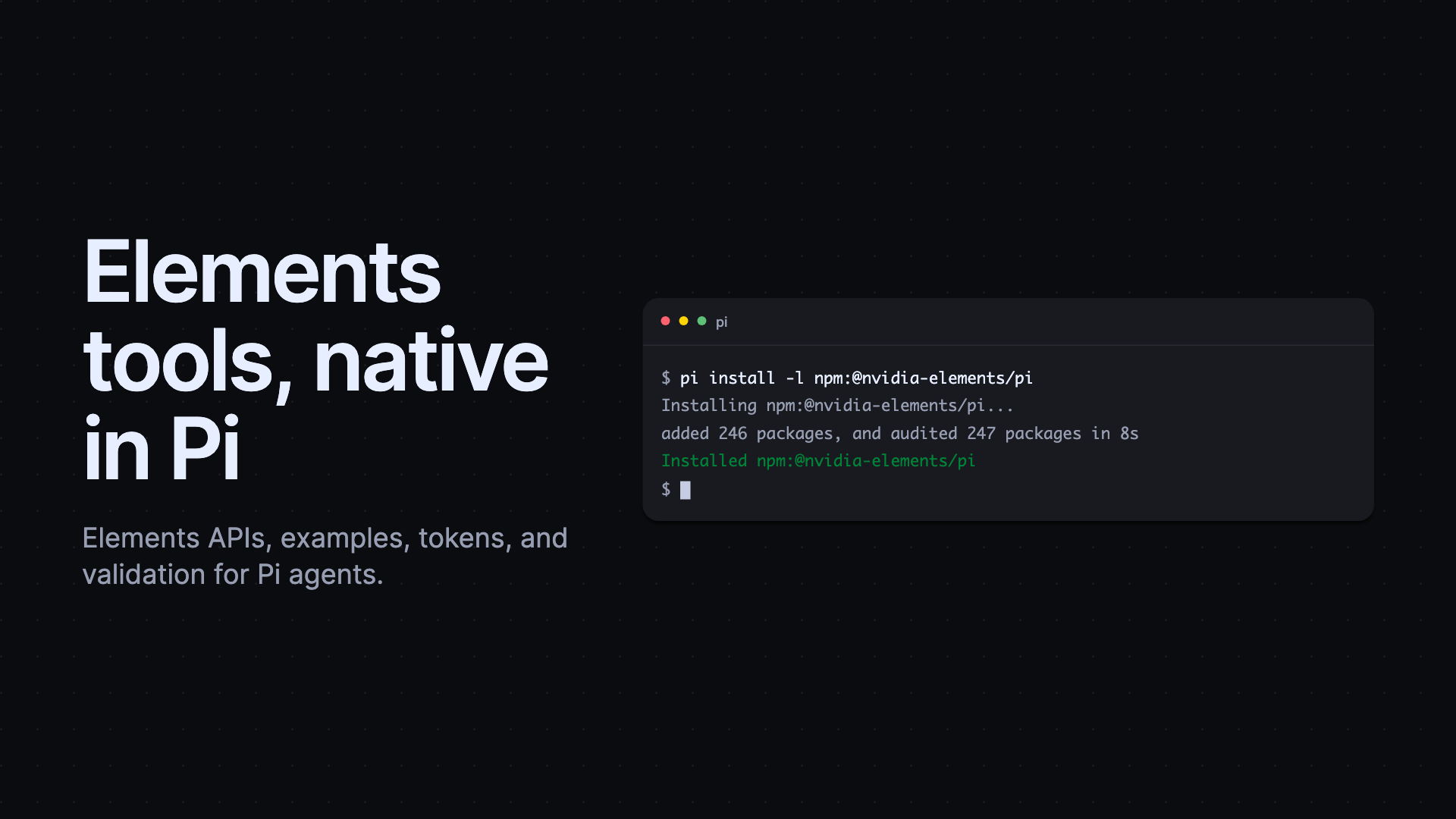
The Elements CLI now installs one consolidated elements agent skill with nve skills.install. MCP apps load their styles correctly again, tools return valid structured results for more schemas, and new /artifact and /create-project prompts replace the earlier introduction, search, and new-project prompts.
Refine Icons, Tags, and Everyday Components
The appearance="solid" attribute now selects filled artwork for 31 icons, including new solid gear and check-badge variants. Tag adds prefix and suffix slots whose icons and dots inherit the tag color, and long labels still truncate cleanly. Textarea prefix and suffix slots work again, and its flat container now matches other inputs. Codeblock accepts source in slotted pre and code elements, including escaped HTML. Tree keyboard navigation works again, and Page sizes correctly on mobile browsers with dynamic toolbars.
Catch More Issues During Linting
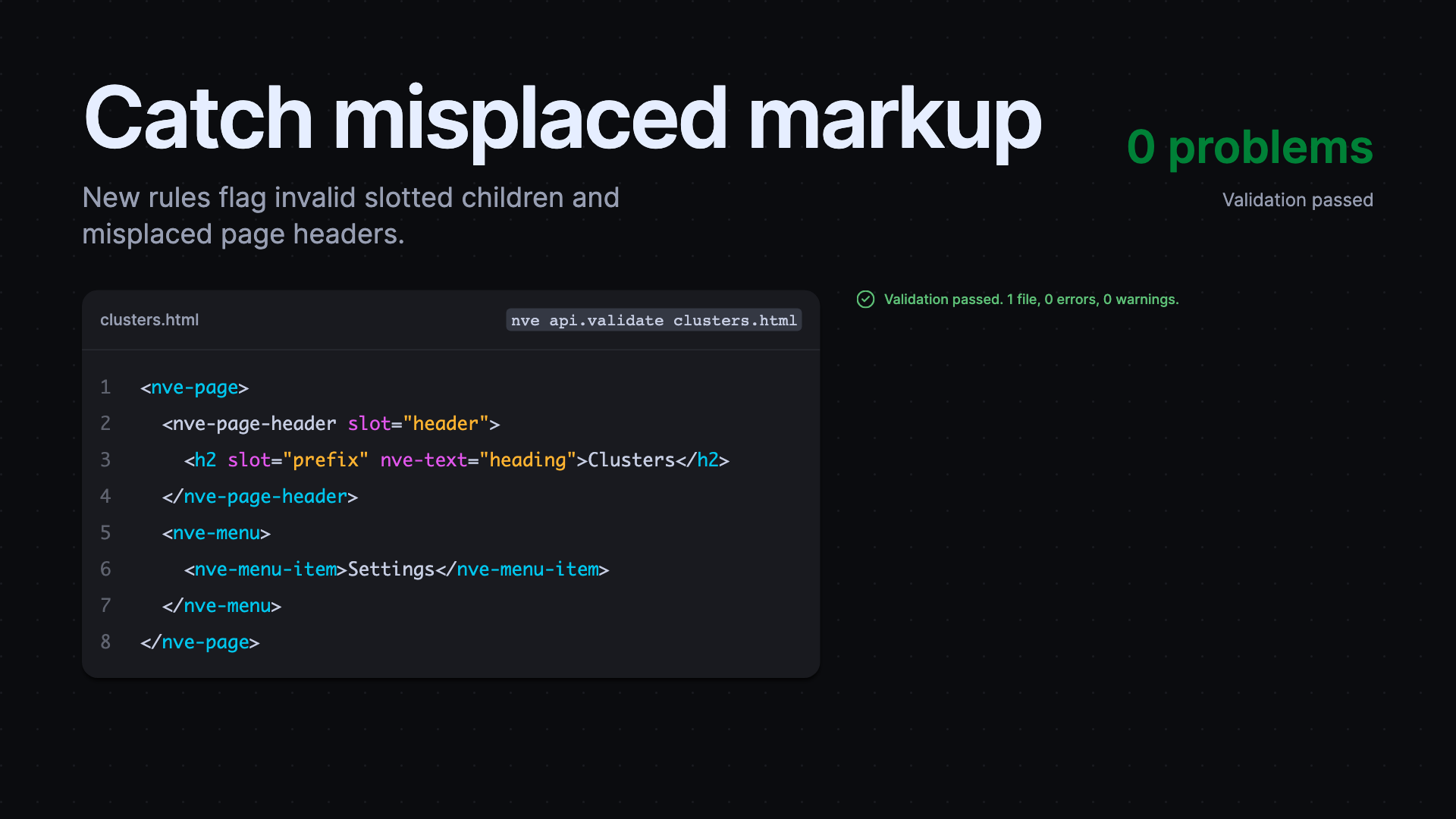
Elements lint now checks Markdown files under src/**/*.md, including rendered markup and HTML in fenced code blocks, so documentation examples get the same checks as application templates. The new no-invalid-slotted-elements rule flags direct children that a component does not support, and no-invalid-page-header-slot requires page headers inside nve-page to use the header slot. Existing rules now allow external SVG icon sources, suggest removing an unnecessary slot="default", and account for popovers when counting primary actions.
Released packages
@nvidia-elements/cli2.2.2–2.2.8@nvidia-elements/code2.1.0@nvidia-elements/core2.6.1–2.11.0@nvidia-elements/lint2.5.0–2.7.1@nvidia-elements/media1.0.1@nvidia-elements/pi1.0.0