

Install Client#
To install the latest release version of the OSMO client, run the following command:
$ curl -fsSL https://raw.githubusercontent.com/NVIDIA/OSMO/refs/heads/main/install.sh | bash
Specific versions#
See also
Visit the GitHub Releases page to view all available release versions of the OSMO client.
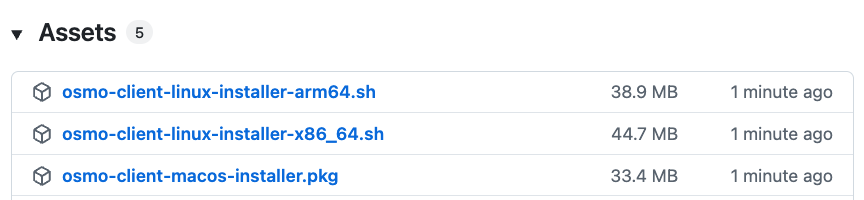
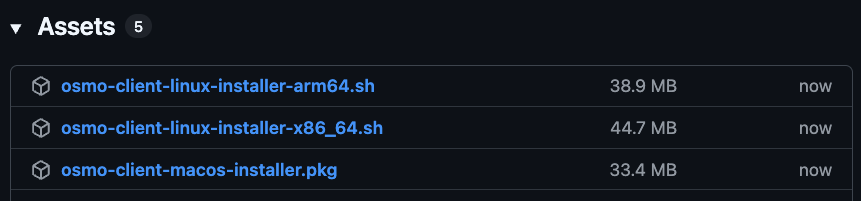
From a specific release version page, navigate to the Assets section and download the
appropriate installer package for your operating system and CPU architecture.
Login#
Important
The OSMO client can only be used to connect to already deployed OSMO web services. Please contact your administrator and refer to the Deployment Guides for more information.
To login to the client, can use the following command:
After successful authentication, you are logged in. Welcome to OSMO.
Agent Skill#
OSMO provides an agent skill that enables AI agents to interact with the OSMO CLI on your behalf. Once installed, agents in tools such as Claude Code, Cursor and Codex can check GPU resources, generate and submit workflows, monitor progress, diagnose failures, and orchestrate end-to-end Physical AI workloads through natural language.
The skill follows the Agent Skills open standard and is compatible with 30+ agent tools .
To install:
$ npx skills add NVIDIA/osmo
See also
See the skills/README for detailed installation options and usage examples.