

velocity_limit (FET022 Driven Joints)#
Property |
Value |
|---|---|
Test name |
velocity_limit |
Feature(s) |
FET022_DRIVEN_JOINTS_PHYSX, FET022_DRIVEN_JOINTS_ISAAC |
Engine |
Kit / Isaac Sim (>=2024.2.0) |
Test version |
1.0.0 |
Summary#
Drives each non-passive, non-mimic-follower joint individually and verifies that
the measured velocity stays within the authored physxJoint:maxJointVelocity
limit at every simulation frame.
What Pass Guarantees#
A passing result confirms that the physxJoint:maxJointVelocity attribute is not
a nominal value that PhysX ignores at runtime. Reviewers, PMs, and OEMs can trust
that the joint will not overspeed in a physics-based controller and that the
declared ceiling is enforceable in the simulation backend.
What It Checks#
The test drives each non-passive, non-mimic-follower joint individually from its
rest position toward a commanded target, measuring the actual joint velocity at
every frame during a test_duration_seconds window (default 2.0 s). For revolute
joints, physxJoint:maxJointVelocity is authored in degrees per second. The test
converts this value to radians per second and compares it against the per-frame
measured velocity, which is also in radians per second. A joint fails if the
peak measured velocity exceeds the authored limit by more than
tolerance_percent (default 5 percent, that is, 0.05). The test skips cleanly when
no joints in the articulation have an authored physxJoint:maxJointVelocity value.
How It Works#
Each joint is tested in isolation. The test sends a drive command that would
require exceeding the limit if the limit were not enforced. The simulation runs at
240 Hz, and the peak velocity across all frames in the window is recorded. After
the window closes, the peak is compared against the authored limit with the
tolerance margin applied. If the peak exceeds limit * (1 + tolerance_percent),
the joint is counted as failed.
The carrier fixture holds the robot base fixed so that base motion does not contaminate the velocity measurement.
Failure Cases#
Symptom |
Likely cause |
|---|---|
Measured velocity exceeds authored limit |
|
Test skipped for all joints |
No |
How to Fix#
If the velocity limit is exceeded, verify that physxJoint:maxJointVelocity is
authored on the correct prim (the joint prim that carries PhysxJointAPI), and
that the value is in degrees per second for revolute joints or meters per second
for prismatic joints. Confirm the joint type is one that PhysX applies a velocity
cap to (revolute and prismatic are supported; spherical and fixed joints are not).
If the test skips and velocity limiting is required by the specification, author
a physxJoint:maxJointVelocity value on each joint that must be speed-limited.
Expected Result#
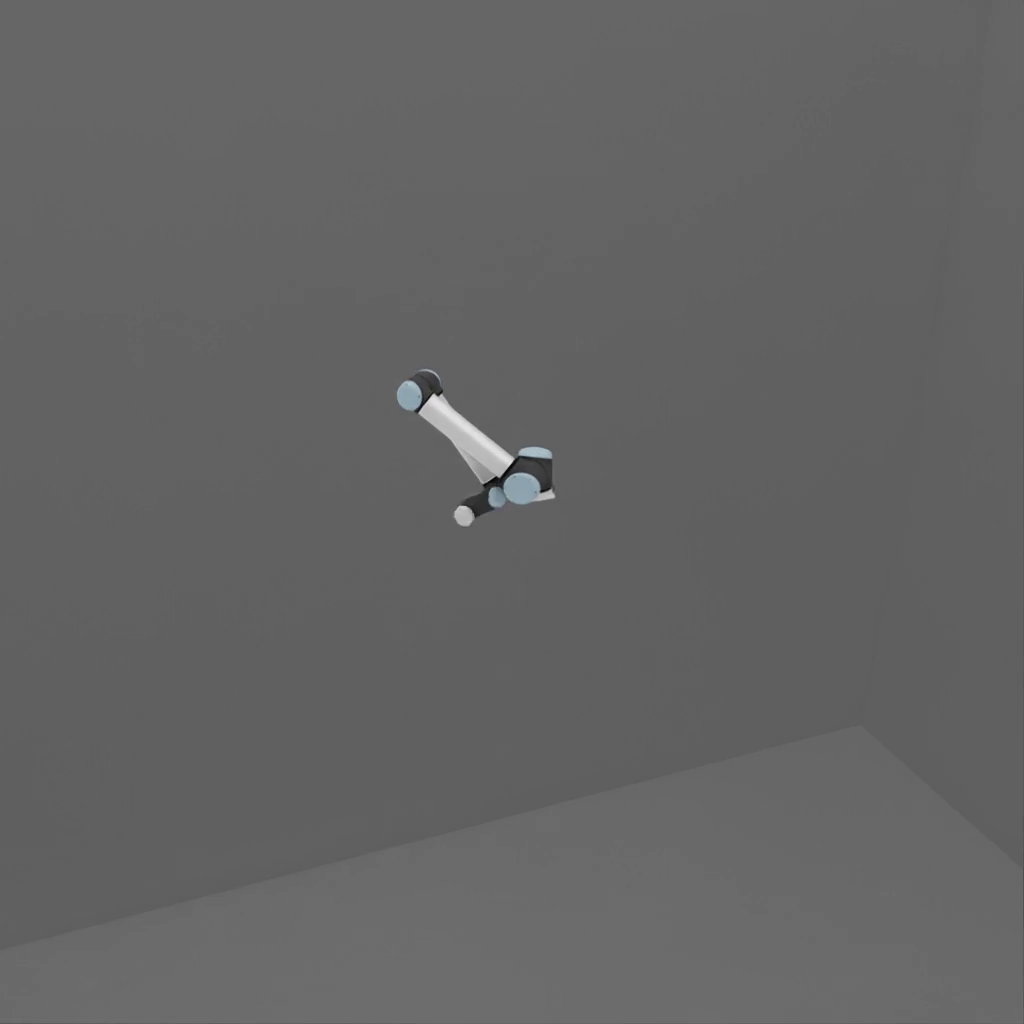
Each joint moves one at a time from rest, accelerates toward its maximum velocity, briefly holds, and then decelerates. Only one joint moves per segment. The robot base remains fixed. On a passing run, no joint visibly snaps or jumps; motion is smooth at every joint.
Notes and Caveats#
The test skips entirely when no joints have an authored velocity limit. A skip result is not a failure; it means the feature cannot be validated for this asset. Authors who intend velocity limits to be enforced must author the attribute explicitly.
The tolerance margin (default 5 percent) accommodates one-frame overshoot at the simulation timestep boundary. A very stiff joint or a very fast drive might exhibit single-frame spikes; if those spikes are below the tolerance margin, the test passes.