

Isaac Gr00t: Interactive Notebook for Inference and Fine-tuning#
This workflow demonstrates how to perform inference and fine-tuning using Isaac Gr00t through a Jupyter notebook.
This tutorial is for users who want to experiment with the Isaac Gr00t foundation models and libraries, and fine-tune it for their own use cases.
Prerequisites#
The libraries in Isaac Gr00t requires at least an Ampere GPU to run. Please check the system requirements for more on the specific GPUs that are supported.
Interacting with the Workflow#
Fetch the workflow spec:
$ curl -O https://raw.githubusercontent.com/NVIDIA/OSMO/main/cookbook/groot/groot_notebook/groot_notebook.yaml
Note
The complete workflow example is available here .
Add any platform value if necessary to target a specific type of hardware. To read more about platforms, please refer to the Platforms.
Important
The workflow has a timeout of 2 hours. If the workflow runs for longer than that, it will be terminated. If you need to run the workflow for longer than 2 hours, you can increase the timeout by modifying the timeout field:
workflow:
  timeout:
    exec_timeout: 2h #(1)
Modify this field to the desired timeout. Units can be s for seconds, m for minutes, h for hours, or d for days.
After the workflow starts running, check the logs to see if the workflow logs this messages:
Jupyter Server 2.17.0 is running at:
  http://259979d2baca4df3-6f6754cdce454168:6060/lab
  http://127.0.0.1:6060/lab
Use Control-C to stop this server and shut down all kernels (twice to skip confirmation).
Before the workflow logs this message, the workflow is installing all the necessary dependencies before spinning up the JupyterLab interface. You will have to wait for the installation to complete before you can move on to the next step. This will take around 15 minutes.
Then, you can access the JupyterLab interface by running the following command:
$ osmo workflow port-forward <workflow ID> tutorial --port 6060
Navigate to http://localhost:6060 in your browser. On the left hand side, you can see the list of all the tutorial notebooks.
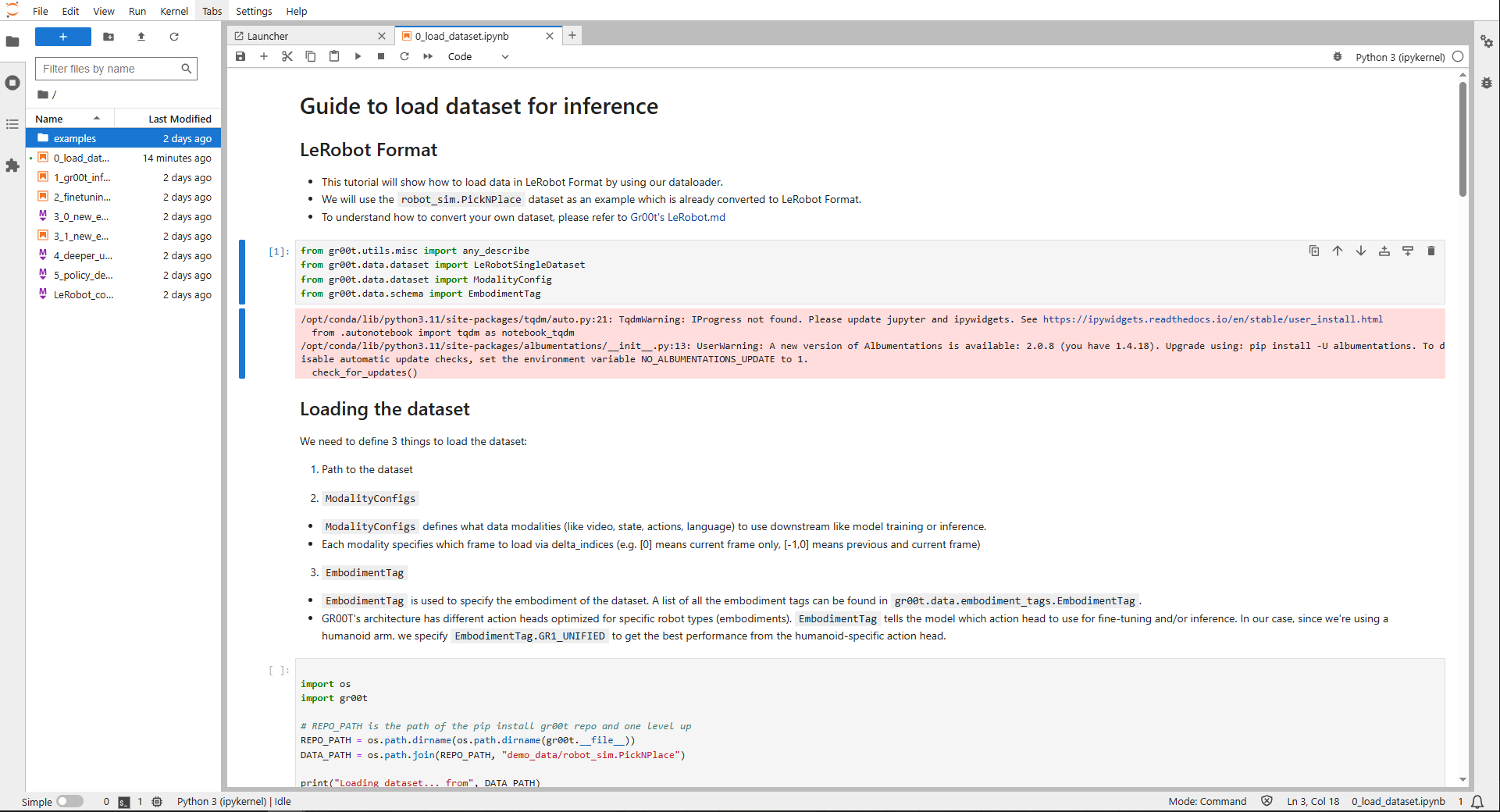
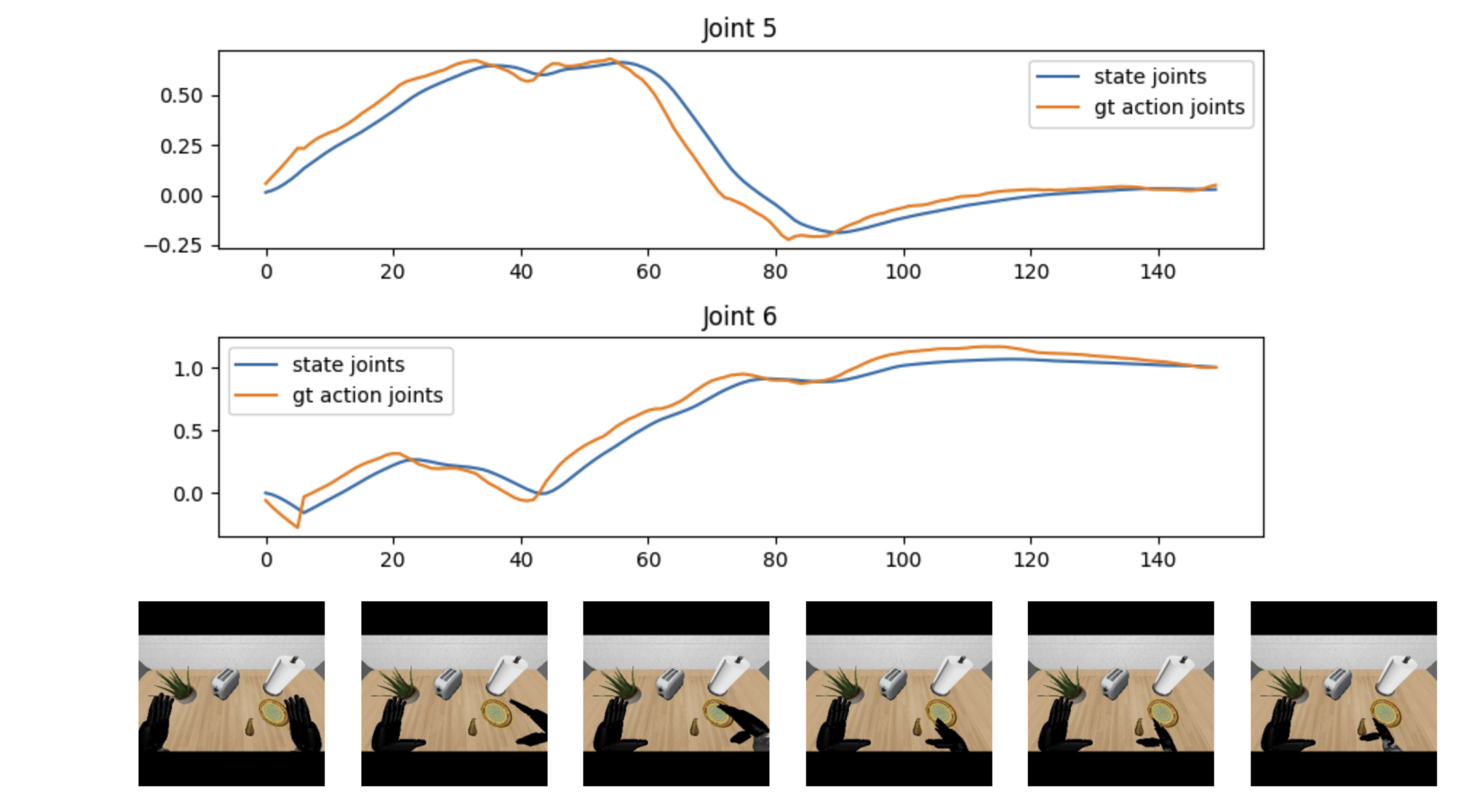
When running the cells, you can oftentimes see visualizations directly in the notebook:
Note that sometimes you will see these error logs in the notebook:
I tensorflow/core/util/port.cc:113] oneDNN custom operations are on. You may see slightly different numerical results due to floating-point round-off errors from different computation orders. To turn them off, set the environment variable `TF_ENABLE_ONEDNN_OPTS=0`.
E external/local_xla/xla/stream_executor/cuda/cuda_dnn.cc:9261] Unable to register cuDNN factory: Attempting to register factory for plugin cuDNN when one has already been registered
E external/local_xla/xla/stream_executor/cuda/cuda_fft.cc:607] Unable to register cuFFT factory: Attempting to register factory for plugin cuFFT when one has already been registered
E external/local_xla/xla/stream_executor/cuda/cuda_blas.cc:1515] Unable to register cuBLAS factory: Attempting to register factory for plugin cuBLAS when one has already been registered
I tensorflow/core/platform/cpu_feature_guard.cc:182] This TensorFlow binary is optimized to use available CPU instructions in performance-critical operations.
To enable the following instructions: AVX2 AVX_VNNI FMA, in other operations, rebuild TensorFlow with the appropriate compiler flags.
W tensorflow/compiler/tf2tensorrt/utils/py_utils.cc:38] TF-TRT Warning: Could not find TensorRT
These are warnings, and you will still be able to run the rest of the notebook.
When running the notebooks, there are sections that require you to run Python scripts outside the notebook. For example, in the Fine-tuning notebook, you will see something like this:
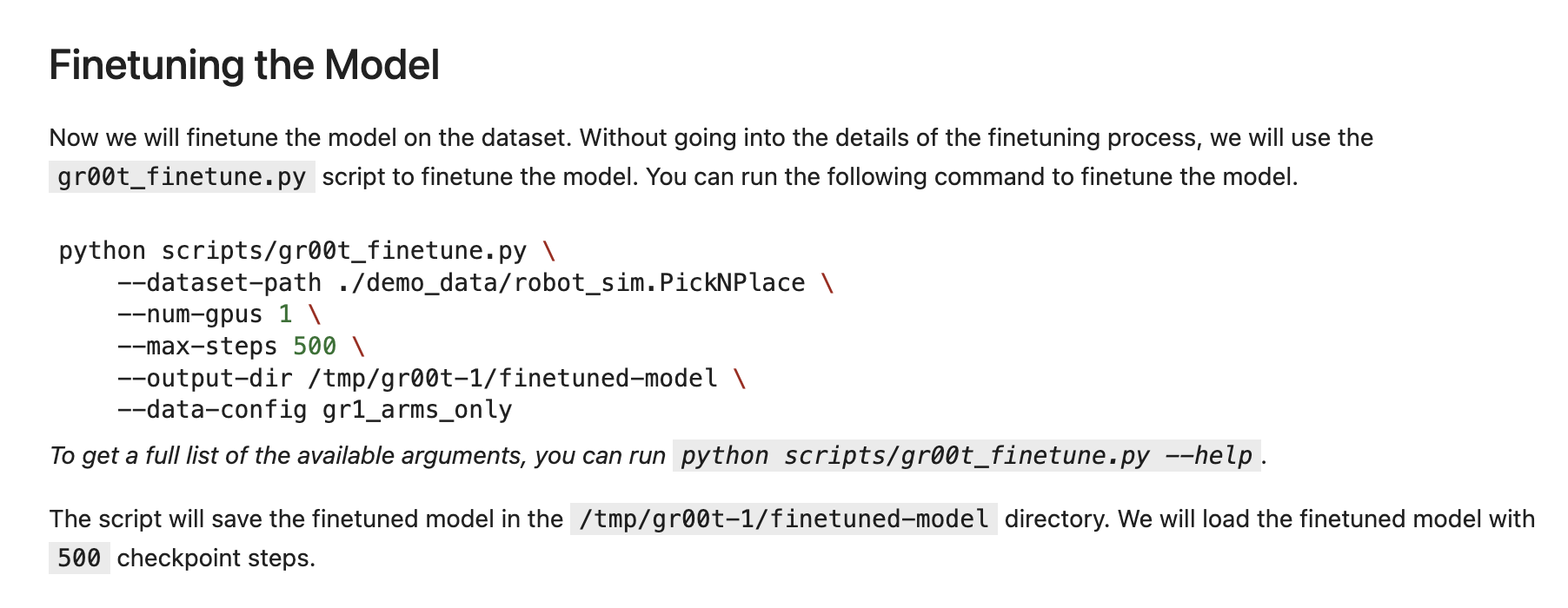
Notice that the Python script is not there as an executable box. You will need to run the Python script outside the notebook.
To run Python scripts like these, you can create an exec session, and run the scripts there instead:
$ osmo workflow exec <workflow ID> tutorial --entry /bin/bash
Once you are in the exec session, you can go into the right directory:
$ cd Isaac-GR00T
And then run the Python scripts:
$ python scripts/gr00t_finetune.py \
  --data-path ./demo_data/robot_sim.PickNPlace \
  --num-gpus 1 \
  --max-steps 500 \
  --output-dir /tmp/gr00t-1/finetuned-model \
  --data-config fourier_gr1_arms_only
You can keep the exec session open and run multiple scripts as outlined in later notebooks, especially in the New Embodiment Fine-tuning notebook.