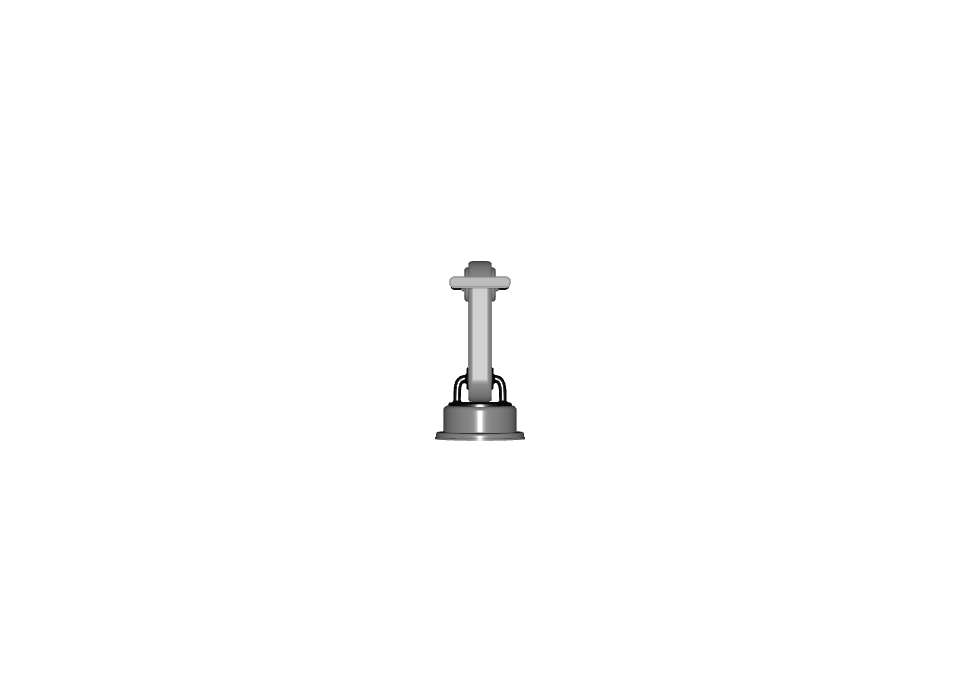
Feature: ID:000 - Core - Base#
Property |
Value |
|---|---|
Internal ID |
|
Description#
The Core Feature comprises fundamental requirements for USD assets, including naming conventions, path structures, atomic asset properties, and basic units. This feature establishes the foundation for all other features and ensures assets are properly structured and portable across different environments.
Dependency Graph#
This feature has no dependencies and no other features depend on it directly.
Neutral Format#
Version 0.1.0#
Details
Used in Profiles#
This version is used in the following profiles:
Prop Robotics Neutral Profile (v0.1.0) - Used as the base core feature
Prop Robotics Physx Profile (v0.1.0) - Used as the base core feature with PhysX-aware tools
Requirements#
Capability: Core/Naming_Paths
Requirements
-
NP.001 | version 0.1.0
-
NP.002 | version 0.1.0
-
NP.003 | version 0.1.0
-
NP.004 | version 0.1.0
-
NP.005 | version 0.1.0
-
NP.006 | version 0.1.0
-
NP.007 | version 0.1.0
-
NP.008 | version 0.1.0
-
SR.001 | version 0.1.0
-
HI.011 | version 0.1.0
-
Pipelines Supported for this Feature#
Source file type:
.blend
Via Blender SimReady Add-ons
.mjcf
Via Blender SimReady Add-ons + MJCF2USD Tool
.step
Via Blender SimReady Add-ons + CAD Converter
Samples#
Test Process#
Obtain the usd sdk
Confirm your asset in question has passed validation
In your commandline type:
path/to/usdsdk/scripts/usdrecord <path to usdfile.usd> <path to output.png>
Open up path/to/output.png
Expected Result:
Confirm it is NOT empty or completely black
Example image: