

Feature: ID:006 - Materials - Base#
Property |
Value |
|---|---|
Internal ID |
|
Description#
The Materials Feature provides support for material definitions in USD assets, enabling consistent material appearance across different rendering engines and viewers. This feature supports both standard USD Preview Surface materials and advanced Material Definition Language (MDL) materials for different use cases and rendering workflows.
Dependency Graph#
This feature has no dependencies and no other features depend on it directly.
Use Cases#
Products that consume this feature:
MetroSim
AI Factory
IsaacSim
MEGA
Lightwheel SOW1
USDPreviewSurface Format#
Version 0.1.0#
Details
Used in Profiles#
This version is used in the following profiles:
Prop Robotics Neutral Profile (v0.1.0) - Used as the base material feature for USDPreviewSurface materials
Requirements#
Capability: Visualization/Materials
Requirements
-
VM.BIND.001 | version 0.1.0
-
VM.PS.001 | version 0.1.0
-
Material Paths:
all relative, exist.
Material binding on all meshes, that aren’t ‘type=guides’.
Pipelines Supported for this Feature#
Source file type:
.blend
Via Blender SimReady Add-ons
.mjcf
Via Blender SimReady Add-ons + MJCF2USD Tool
.step
Via Blender SimReady Add-ons + CAD Converter
Samples#
Test Process#
Obtain the usd sdk
Confirm your asset in question has passed validation
In your commandline type:
path/to/usdsdk/scripts/usdrecord <path to usdfile.usd> <path to output.png>
Open up path/to/output.png
Expected Result:
Confirm it is NOT empty or completely black
Materials should render with proper USDPreviewSurface appearance
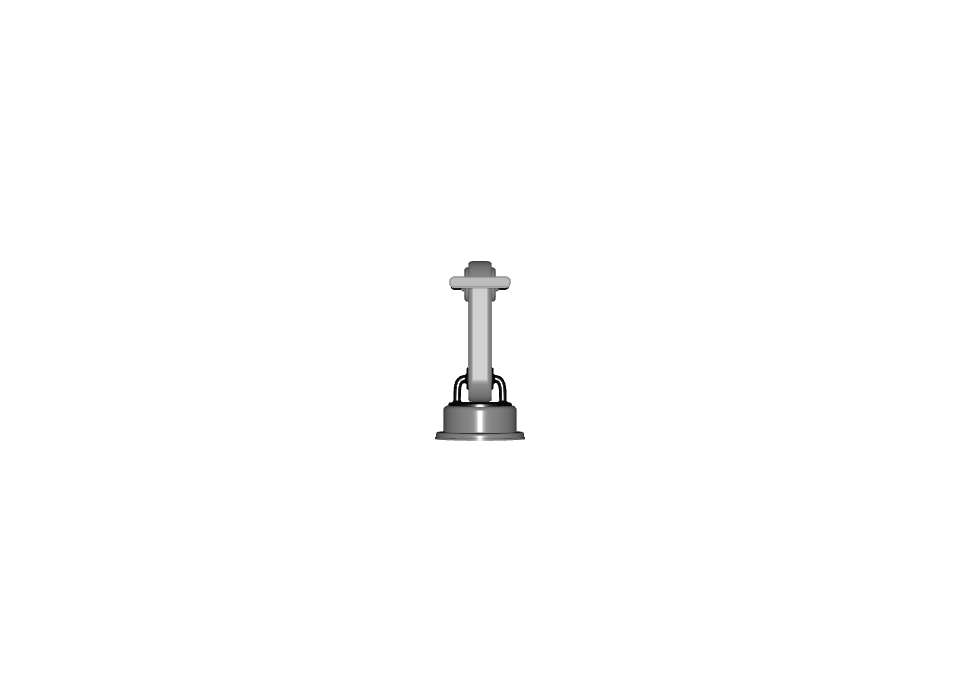
Example image:
MDL Format#
Version 0.1.0#
Details
Property |
Value |
|---|---|
Internal ID |
|
Proprietary Techs |
|
Used in Profiles#
Material Paths:
all relative, exist.
MDL Paths
all relative, exist.
MDL Compiles?
MDL Checker exists already?
Glass?
Material binding on all meshes, that aren’t ‘type=guides’.
OmniPBR / SimPBR: * Color Space for textures. * ORM analysis? if strength > 0, ensure map is there. * Confirm ORM floats are 0 if map is bound.
This version is used in the following profiles:
Prop Robotics Physx Profile (v0.1.0) - Used as the advanced material feature for MDL materials
Requirements#
Property |
Value |
|---|---|
Dependency |
ID:006 - Materials - Base - USDPreviewSurface Format - v0.1.0 |
Capability: Visualization/Materials
Requirements
-
VM.BIND.001 | version 0.1.0
-
VM.BIND.002 | version 0.1.0
-
VM.MAT.001 | version 0.1.0
-
VM.MDL.002 | version 0.1.0
-
VM.MDL.001 | version 0.1.0
-
VM.TEX.001 | version 0.1.0
-
VM.TEX.002 | version 0.1.0
-
Pipelines Supported for this Feature#
None; USDPreviewSurface Format is acceptable.
Samples#
Test Process#
Obtain Isaac Sim or Omniverse Create
Confirm your asset in question has passed validation
Open the asset in Omniverse Create
Expected Result:
Materials should render with proper MDL appearance
Advanced material features should be functional
Material should be compatible with MDL rendering pipeline